

Plant inspection made easy: Digitize checklists with Testify.
Simplify the planning, execution and documentation of site inspections – all from a single platform.
How Testify revolutionizes your site inspections:
Digital checklists for efficient data collection.
Forget the bulky piles of paper and the endless search for the right form. With Testify, you can easily create digital checklists that are specifically tailored to your site inspections. These checklists are not only user-friendly, but also enable standardized and systematic data collection.
Now EHS managers, quality managers and facility managers can ensure that no details are overlooked.
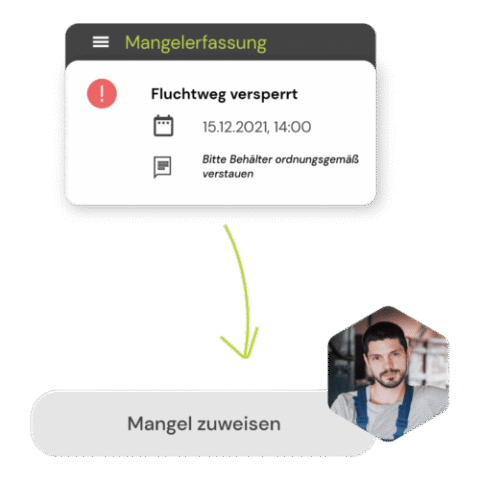
Real-time reports for complete transparency.
The days of having to wait for manual evaluation of checklists and reports are over. Testify offers real-time reports that are available immediately after the completion of an inspection.
These instant insights enable managers to make timely, informed decisions and quickly identify potential risks. With direct access to all relevant data, you can increase compliance and boost operational efficiency.

Seamless integration without media disruptions.
Isolation is a problem with many traditional access methods. Testify changes this with the ability to seamlessly integrate with other systems and applications. Whether you want to retrieve data from the ERP system or connect the workflow to a ticketing system, Testify makes it possible.
This networking creates a uniform and coherent data landscape that allows managers to optimize processes across the board.


Practical functions that make your everyday work easier.

Standardized checklist templates

QR code & RFID scanner

Offline capability

Photo and video documentation

Task & action management

Analysis & real-time reporting
Your free potential discussion

In a 45-minute remote conversation, our industry experts identify the greatest efficiency potential in your testing processes and show you what can be realized with Testify.

With the implementation of Testify, Primetals Technologies now has a tool at its Linz site that allows it to verify and monitor compliance with all internal and legal requirements, as well as to ensure and improve employee safety and operational safety.